Planning vs Dispatch
Applies to v1.7+ · ~3 min read · Plan routes
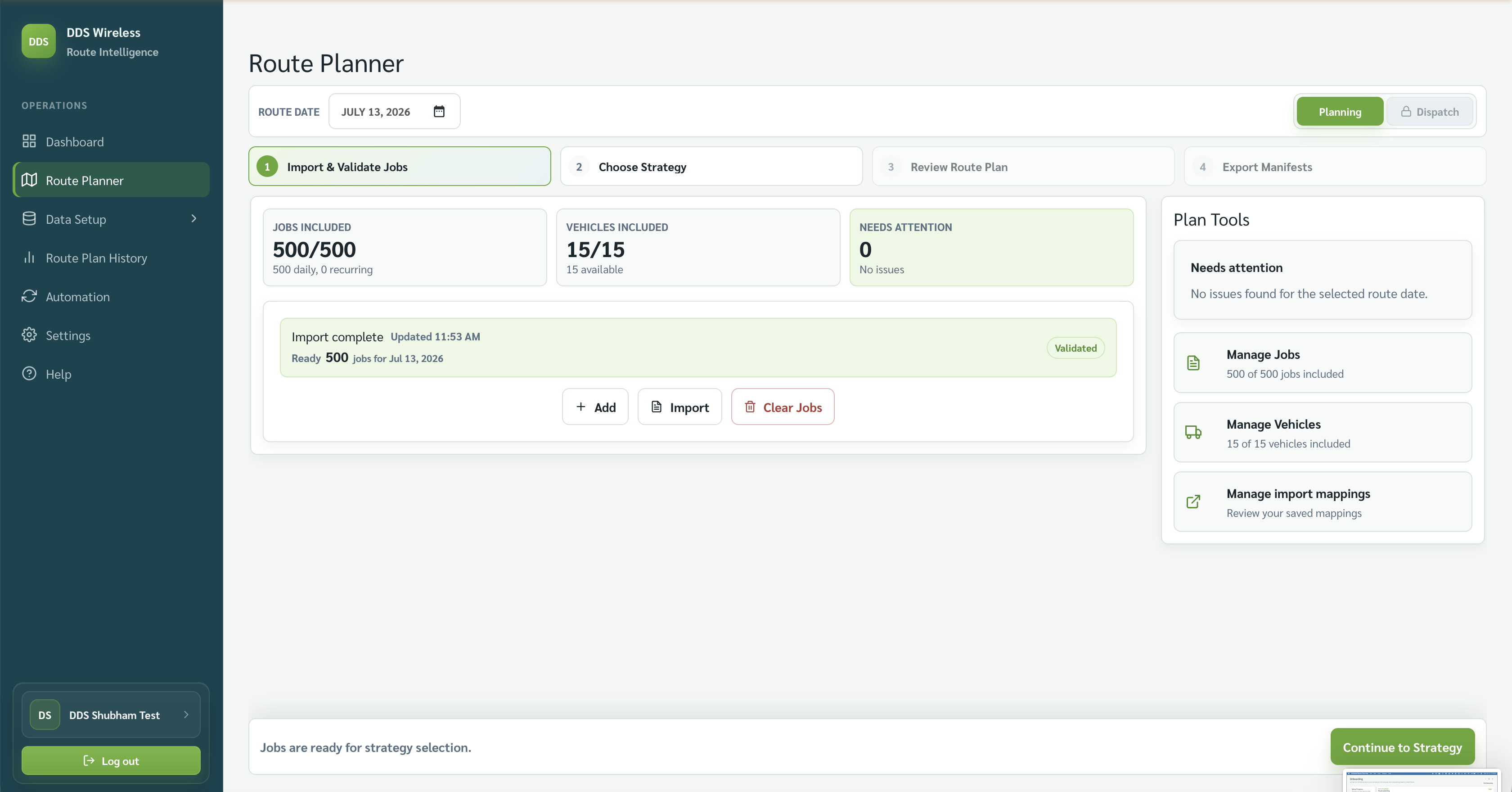
The Route Planner header shows Planning and Dispatch beside the route date. Use Planning while building the route plan.
Planning
Planning is the working mode for the four-step flow:
- Import & Validate Jobs
- Choose Strategy
- Review Route Plan
- Export Manifests
You can choose a route date, change the included work, re-run optimization, and export.
Dispatch
Dispatch is shown beside Planning and is tied to the route's operating day. Use it only after the plan is ready for the drivers.
When you can use Dispatch
You switch to Dispatch manually. It is available only when there is an active route plan for the current date and time — the plan can then be re-optimized based on the vehicles' current status. Dispatch is not available for past or future route dates. See Dispatch mode for more.
Practical rule
Keep the plan in Planning while the work can still change. Move to Dispatch only when your team's process says the routes are final.
Related: Daily planning workflow · Review the route plan · Route Plan History