Plan routes
Applies to v1.7+ · ~3 min read · Plan routes
Import the day's work, choose a strategy, review routes, and resolve unassigned jobs.
In this section
- Daily planning workflow — Run the daily sequence from route date and job import through optimization and export.
- Choosing a strategy — Compare the three optimization goals and choose the one that fits today's operation.
- Review the route plan — Check routes, ETAs, travel time, and unassigned work before exporting manifests.
- Fix unassigned jobs — Use the reason shown for each unassigned job to correct vehicle or job data.
- Add, replace, clear and manually add jobs — Add, update, replace, copy, edit, or clear work in the current route plan.
- Re-optimize a plan — Run optimization again after the work, fleet, or selected strategy changes.
- Planning vs Dispatch — Understand when a route plan is still being prepared and when it is ready for dispatch.
- The route map — Use route paths and stop locations to spot geographic problems in the plan.
Where planning starts
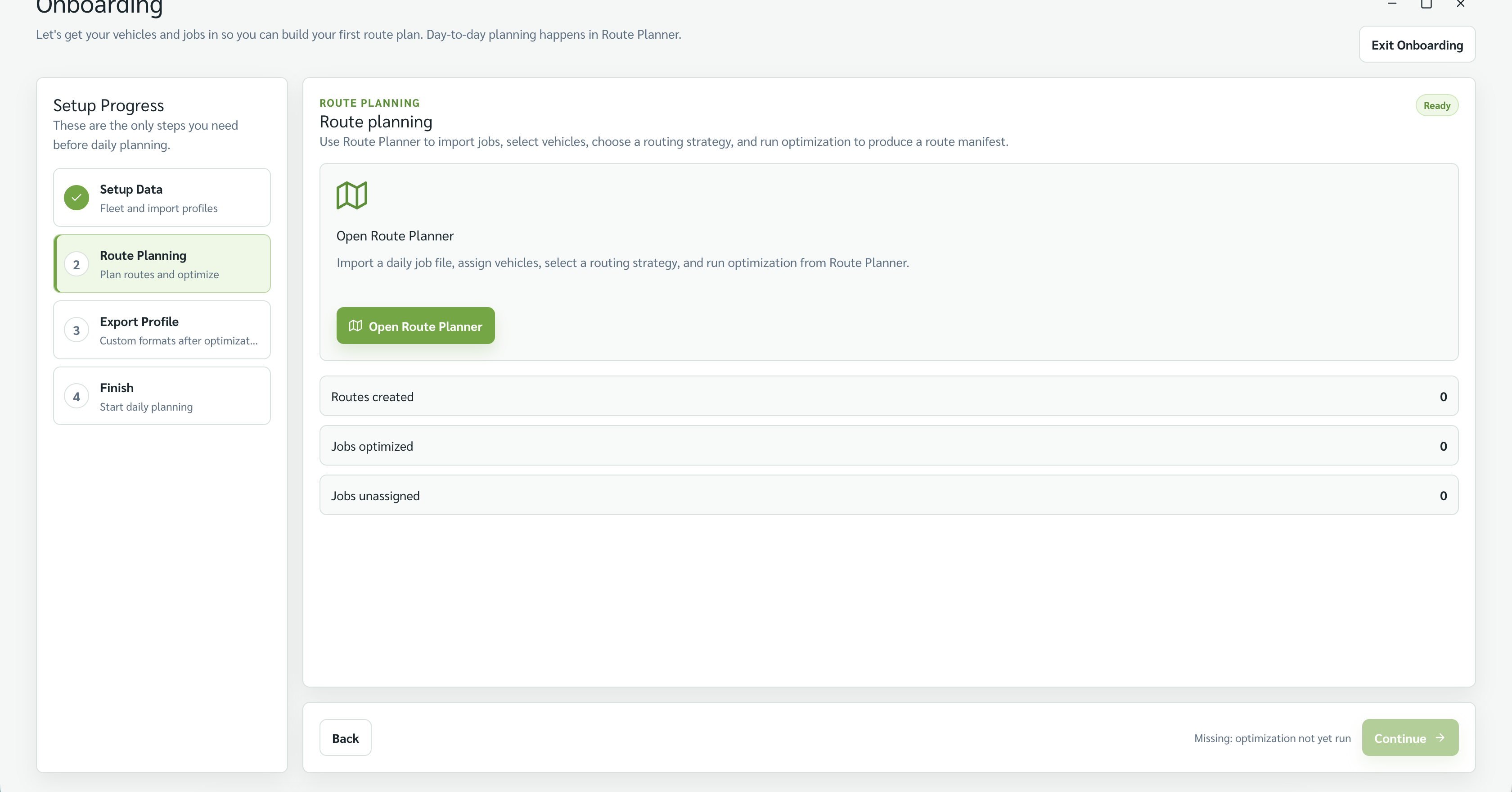
Daily planning runs in Route Planner. During first-time setup, the Onboarding wizard's Step 2 · Route Planning is the entry point to it.
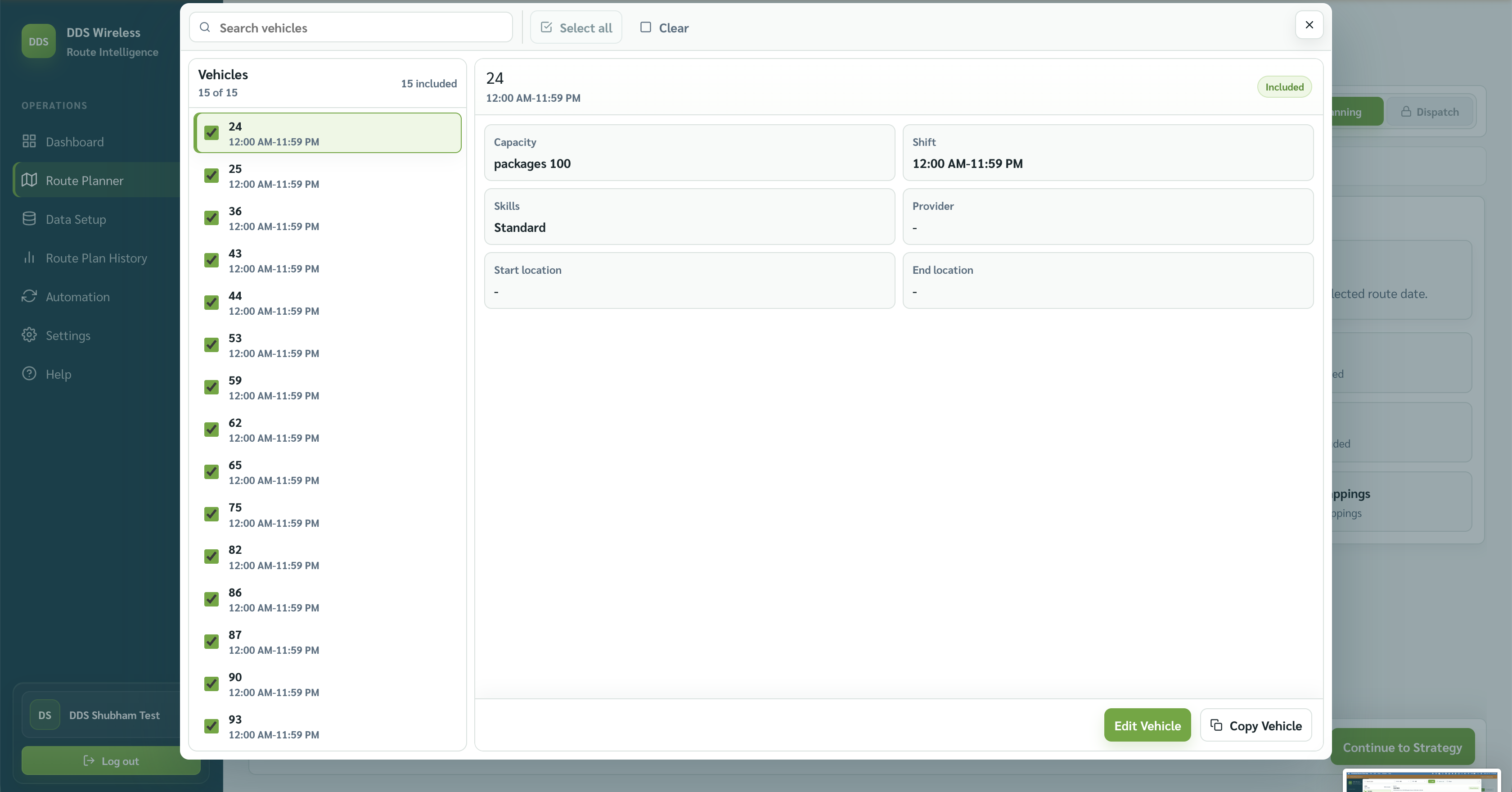
Which vehicles take part in a run is set in Route Planner's Manage Vehicles — see Daily planning workflow and Fix unassigned jobs.
Related: Home · Browse by type