Export and manifests
Applies to v1.7+ · ~3 min read · Export and manifests
Create driver manifests, configure the saved custom output format, and retrieve past route plans.
In this section
- Built-in exports (PDF, Excel, CSV) — Generate a driver manifest with the built-in PDF, Excel, or CSV output packages.
- Route Plan History — Find an earlier route plan and reopen its exported manifest files.
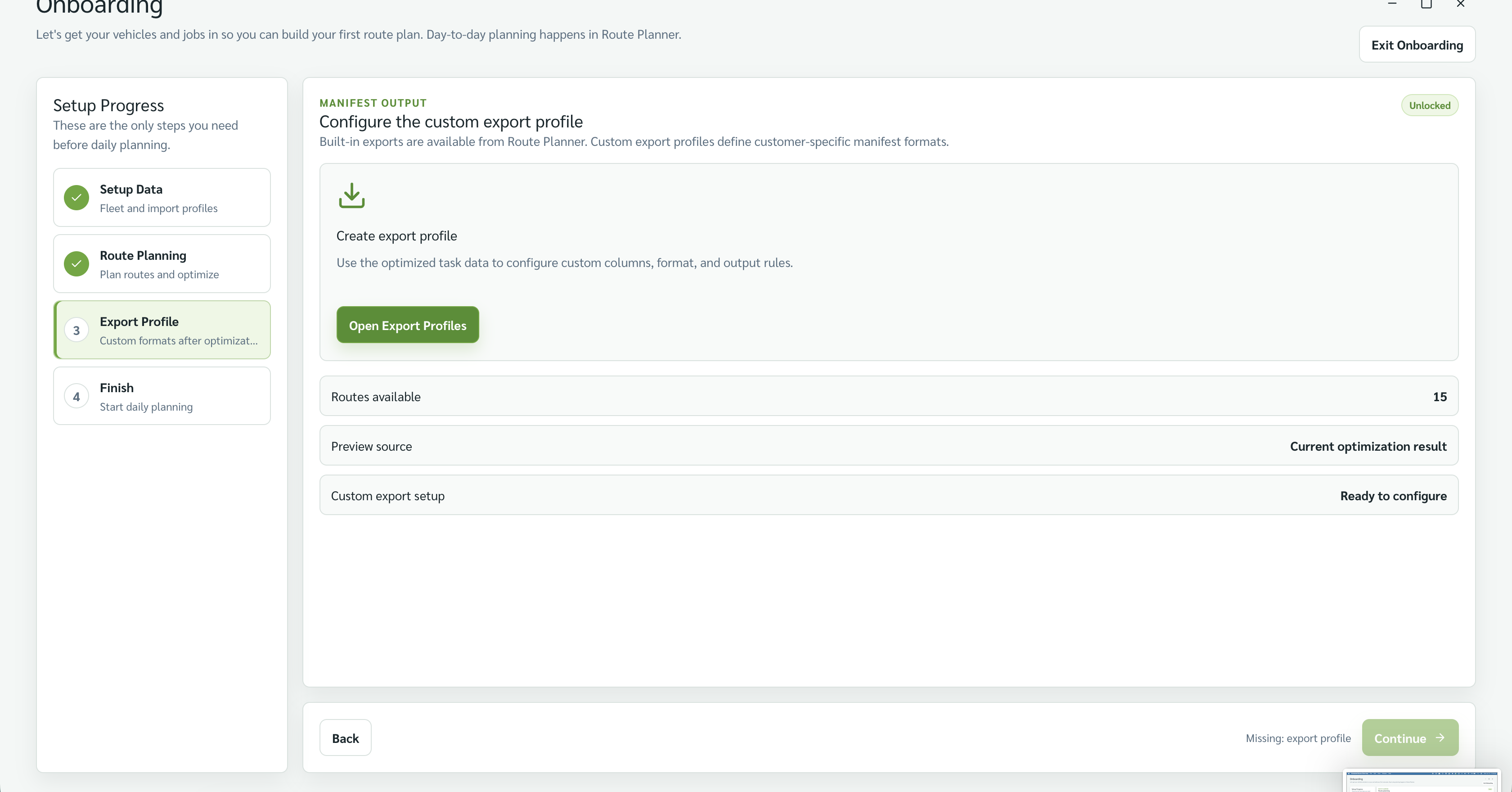
- Custom export format — Build the saved custom format from a representative customer manifest template.
- Manage export format — Review or update the one saved custom format available to Route Planner.
- Manifest field reference — Look up the route, vehicle, job, stop, time, and address fields available to exports.
Related: Home · Browse by type