Route Plan History
Applies to v1.7+ · ~3 min read · Export and manifests
Find and reuse a past route plan — or retrieve a previously exported manifest — without re-importing and re-optimizing from scratch.
Steps
-
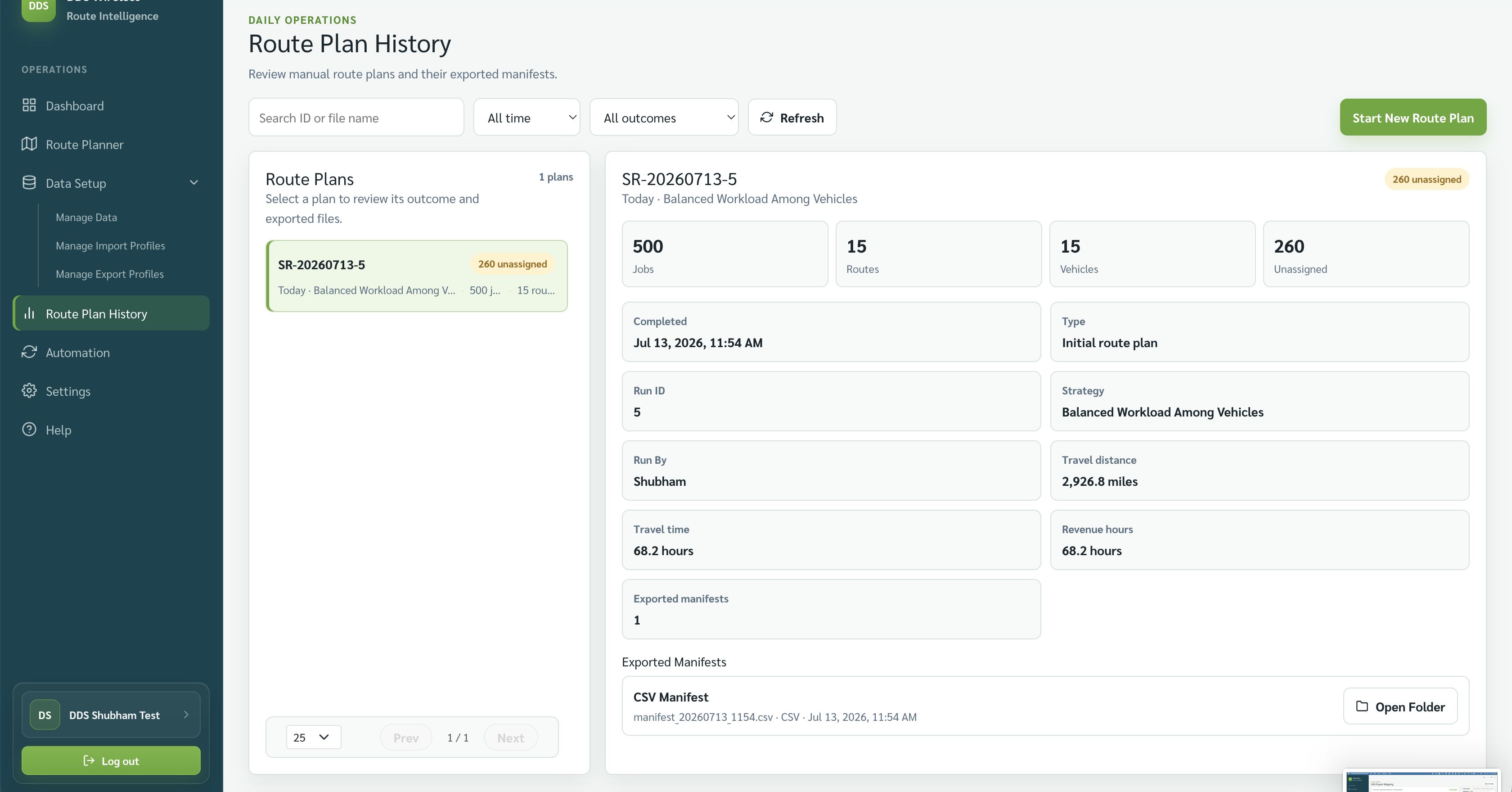
Open Route Plan History from the left navigation bar.
Shortcut from the Export step
You can also reach Route Plan History from the side tools panel on Step 4 · Export Manifests — select Route plan history there to jump directly to it.
-
Locate the entry for the route date you want. Use the time-range filter (Today, Last 7 days, Last 30 days, This month, or All time) and the Search ID or file name box to narrow the list.
-
Select the entry to open it.
-
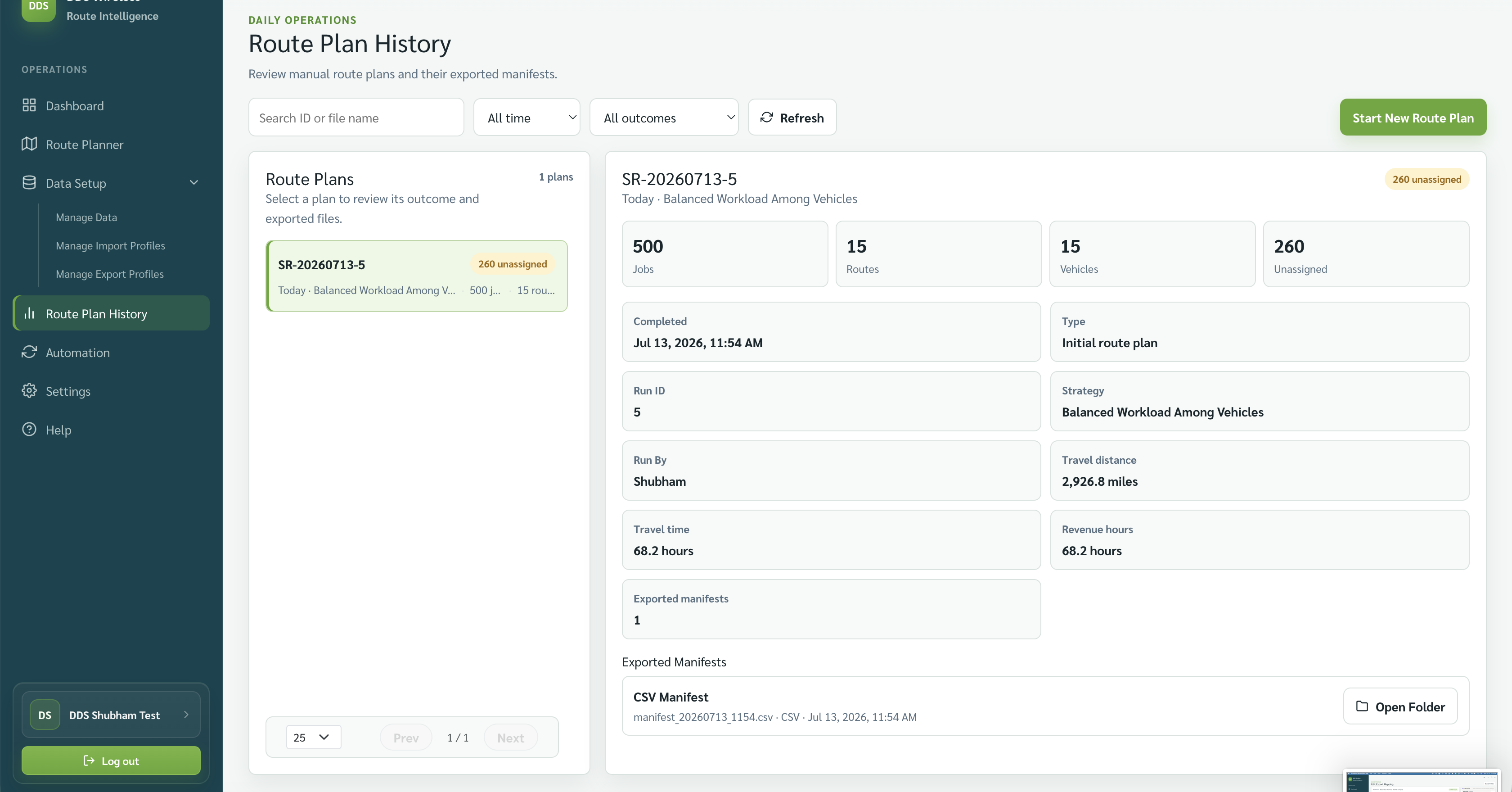
Review the plan details — routes, jobs, and any manifests that were exported at the time.
-
Under Exported Manifests, each manifest the plan produced is listed with its file name, format, and time. Select Open Folder to locate the saved file on your workstation.
History is a record
Route Plan History shows the plans you ran and the manifest files they produced, with Open Folder to reach each file. It does not re-run optimization.
Result
You can retrieve any past day's manifest and send it to drivers or dispatch without returning to the Route Planner. Exported manifests from the current session are also stored here automatically after each export.
Related: Built-in exports (PDF, Excel, CSV) · Review your route plan · Create a custom export format · Quick start: your first route plan